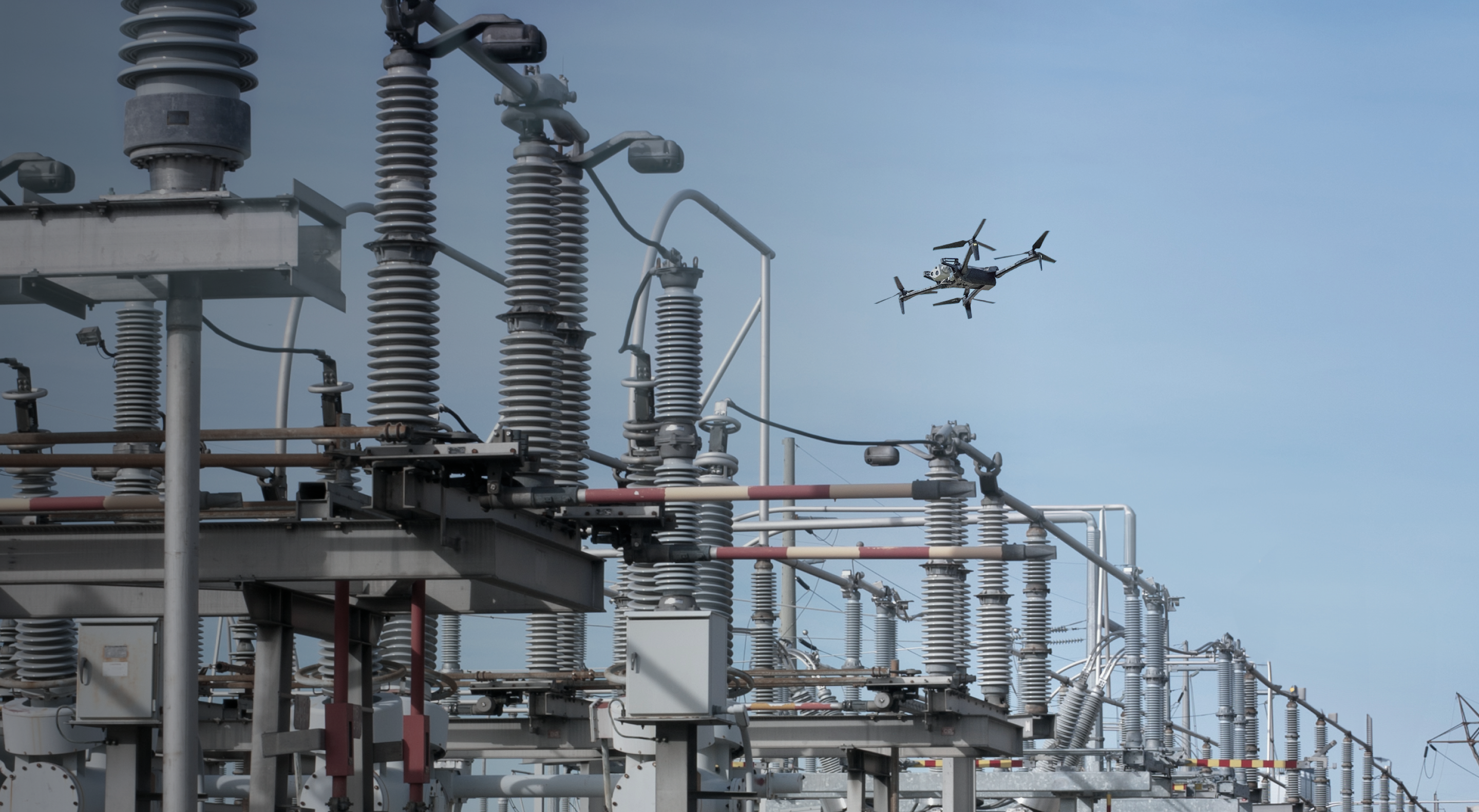
Asset Command has been a game changer for incident response. We were able to clear 47 hazard calls in just 6 hours with our Docks after a Tornado event.

Your operations run on assets. Now your drone inspections do too.
Asset Command connects your physical infrastructure to autonomous drone operations, organizing inspection and response around each asset record.
Your service territory is too big to plan one flight at a time.

The asset is the plan.
Missions are built from the inventory your operations already run on. Every inspection is defined by the asset that needs it: its type, location and history.

The standard lives with the asset.
What a complete inspection looks like, and how often it repeats, is defined once per asset type and applies to every cycle. The same asset gets the same inspection, whoever flies it.

The network keeps its own record.
Every capture attaches to its asset and marks it inspected. Coverage builds as cycles complete, so you always know which assets are still outstanding.

Turn assets into ready-to-fly workflows.

Incidents don’t wait for a flight plan.
Storm damage, a pole strike, a fault on the line—quickly dispatch a drone to the exact location and understand the condition in minutes.
See the fault before rolling the truck.
An alert from your OMS, ADMS, or other monitoring system automatically creates a response mission and alerts the operator. With one-click, a drone launches and gets on scene in minutes.

Bring the scene to every team.
Share live video through Skydio ReadyLink to operations centers, public safety agencies, field crews, and leadership as the mission unfolds, so the response that rolls is the right one.

Make autonomy the operating model.
Coverage grows, the team doesn't, and each cycle takes less work than the one before it.
The flight sets the record straight.
Autonomy runs on accurate asset data. When the asset isn’t where the record says it is, its coordinates are automatically corrected so future missions plan around its true location.
Workflows get more efficient with every use.
As asset geometry, capture logic, and operational data improve, more of the workflow executes without operator intervention, reducing cost per inspection, freeing up resources and expanding the operational footprint.

Prompts turn into flight plans.
Describe the asset, route, or area to inspect, and Asset Command generates a ready-to-review mission. Refine routes, audit plans, and make bulk edits the same way.
One operator, multiple drones.
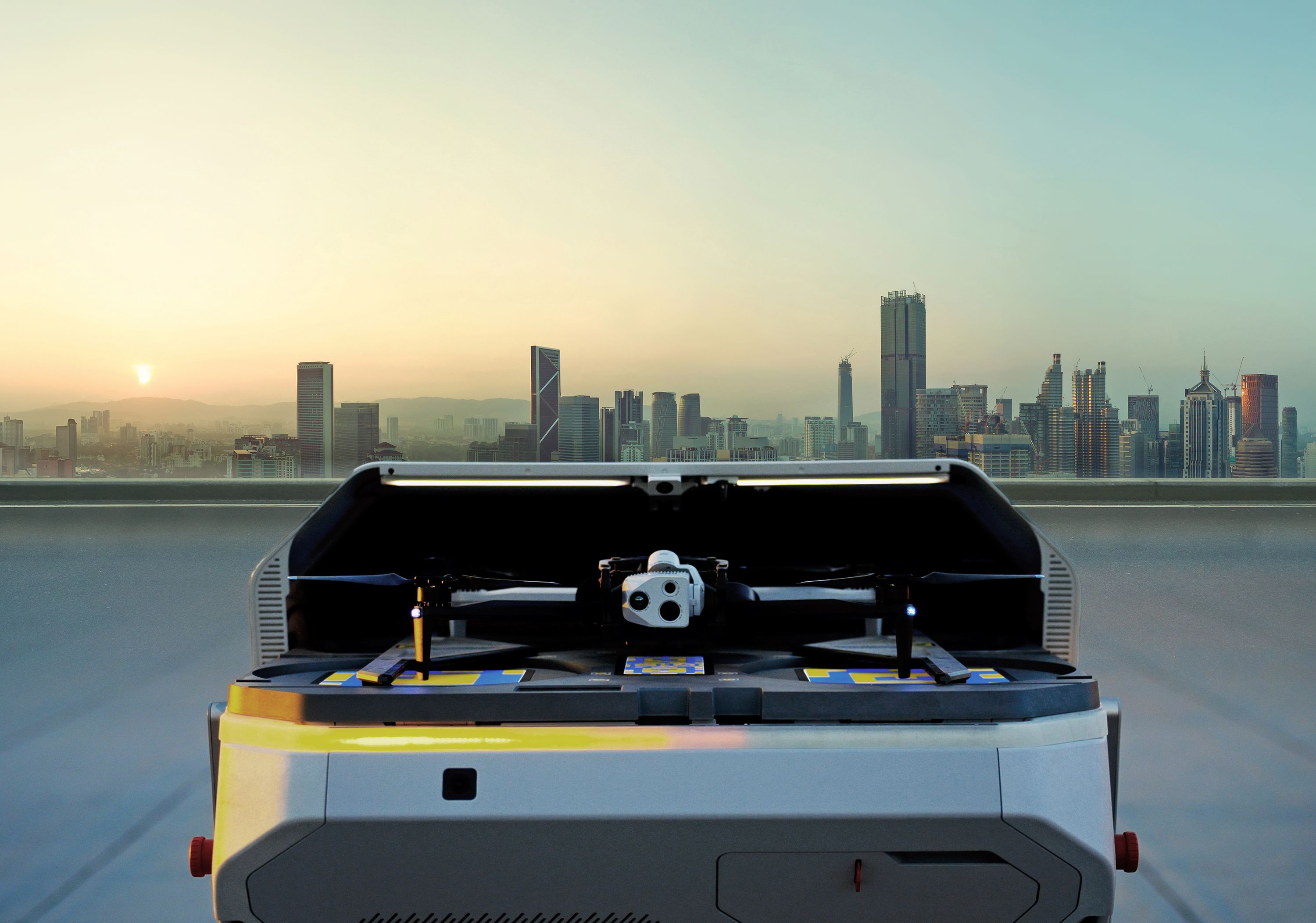
With docked drones, a single operator runs multiple drones from a browser, covering inspection and incident response at the same time across the territory.

Everything needed to automate your inspection operations.


Works with what you use.

Capable of even more.
