FAQs about Asset Command
General
What is Asset Command?
Asset Command is drone inspection software that connects asset records, mission planning, flight operations, and inspection data in one platform. Inspection teams plan missions against their own asset inventory, fly the same pattern on every visit and every asset, and get images tagged to the right asset automatically.
What is asset-based inspection (ABI)?
Asset-based inspection plans, flies, and organizes data around a specific asset rather than a generic flight path. Each mission in Asset Command ties directly to the asset being inspected, so teams build a comparable inspection history and track results across every visit. The ABI workflow can be executed remotely and automatically with Dock for X10 or in the field by an operator with the controller.
Which Skydio drones work with Asset Command?
Asset Command's asset-based inspection workflow is designed for Skydio X10, including asset records, shot sheets, repeatable inspection missions and incident response. R10 and F10 can also operate within the Remote Flight Deck interface for flight operations, but they do not support the asset-based workflow.
What types of assets can it help inspect?
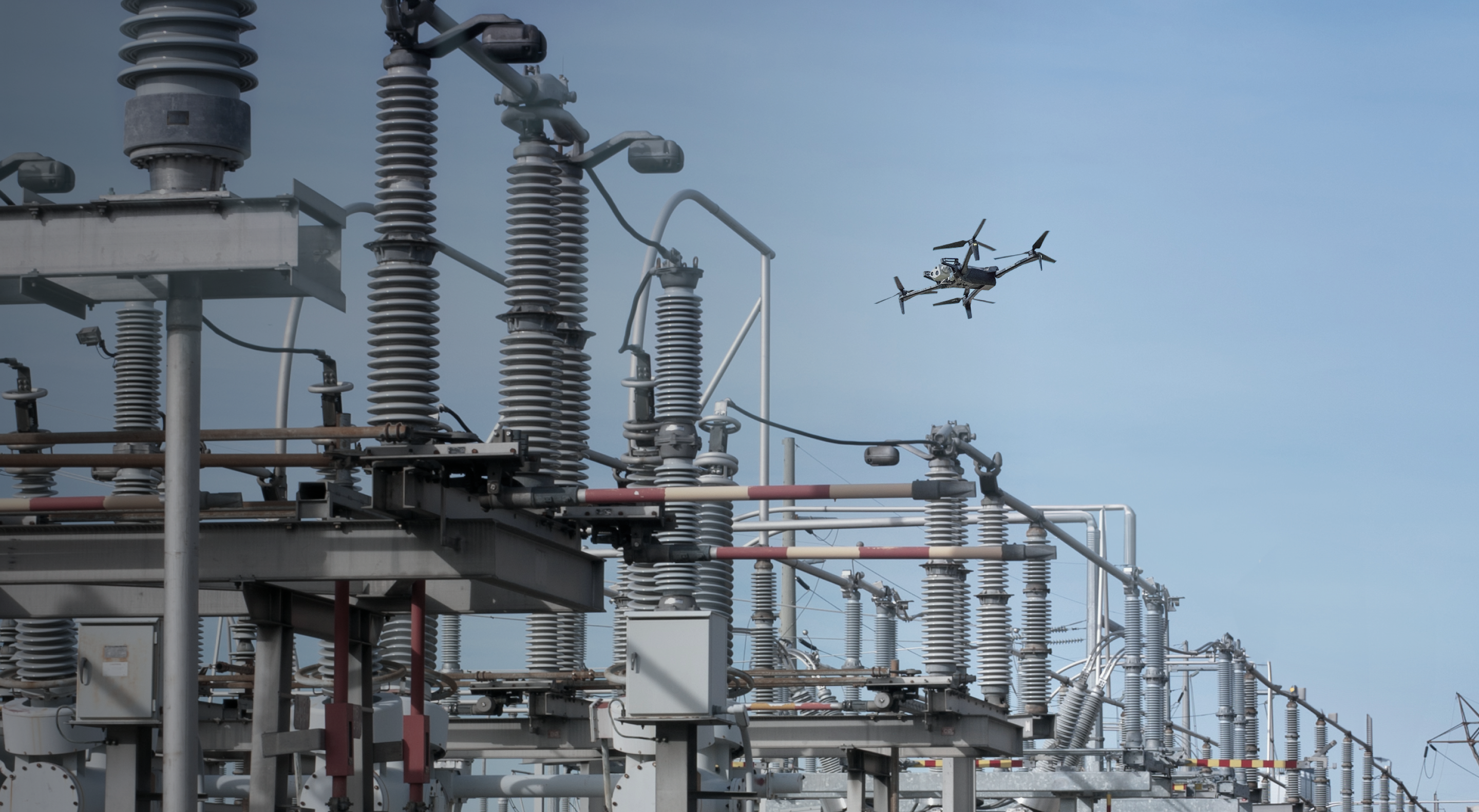
Asset Command is optimized for discrete, fixed outdoor assets that can be captured using repeatable flight patterns around simple shapes, such as cylinders or rectangular prisms. Examples include distribution poles, wellheads, and similar infrastructure.
How is Asset Command different from how inspections work today?
Asset Command stores the inspection plan with the asset record. Any operator on the team flies the same shots the same way, which makes results comparable across visits, across crews, and across the full asset base.
What is a shot sheet in drone inspection software?
A shot sheet defines the images and viewpoints required for each asset inspection. It specifies what the operator needs to capture and from where, based on the asset type and the inspection standard being met. Asset Command carries the shot sheet into the flight plan so nothing gets missed.
How does Asset Command use GIS and asset management data?
Asset records from GIS, CMMS, or other systems of record provide the foundation for mission planning. Once imported, their locations, IDs, and attributes are available in Asset Command to help define and plan each mission.
How is inspection data linked to each asset?
Images are tagged automatically with the correct asset ID and organized by shot, so review starts with the data already sorted. No manual file sorting after the flight, and no guessing which images belong to which structure. Inspection history stays attached to the asset record over time.
Does Asset Command only work with autonomous, docked drones?
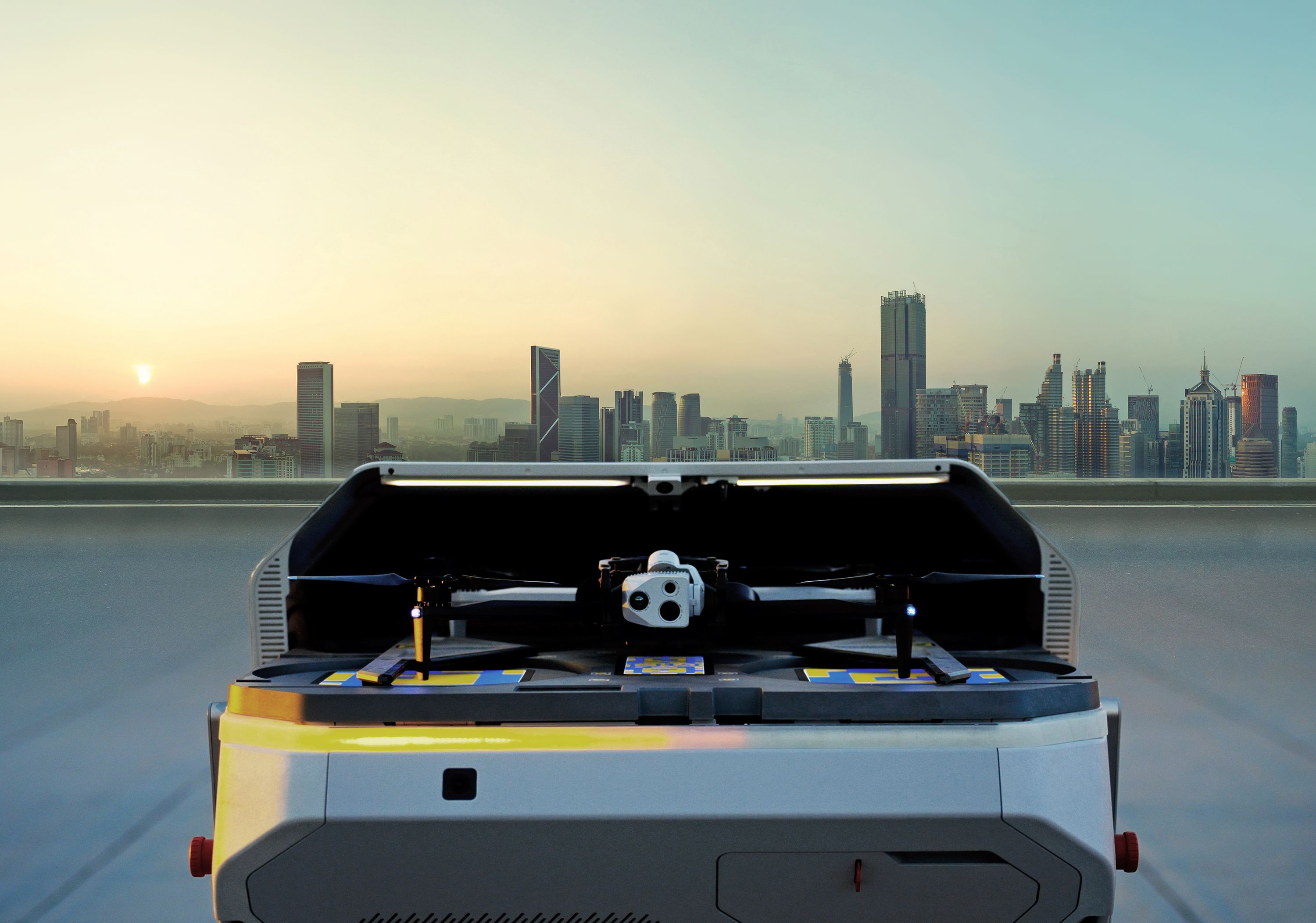
No. Field crews can fly controller-based missions against the same asset records and shot sheets Asset Command uses for autonomous operations. But Dock for X10 is how the program scales: missions run on a set schedule without a pilot on-site, replacing manual dispatch with continuous coverage across the full asset base.
How does Asset Geocorrection work?
Asset Geocorrection compares drone-captured imagery and precise flight positioning against existing asset records to help identify and correct location discrepancies. This keeps missions planned around each asset’s true location, improving autonomous planning and inspection repeatability.
Does Asset Command integrate with enterprise systems?
Yes. Inspection results flow into connected systems through prebuilt integrations and open APIs, so findings reach work management, asset health, and reporting tools without manual export. View integrations through the Skydio Extend Catalog.
How does Asset Command use AI to plan inspections?
Asset Command allows users to use its AI agent to turn prompts into ready-to-review missions in seconds based on the asset, route, or area you need to inspect. You can refine routes, audit plans, and make bulk edits with simple prompts.
How does Asset Command handle issues like faults, storm damage or other incidents?
Incidents can be triggered automatically by connected systems or created manually for one or more assets. Asset Command then dispatches a drone or sends multiple aircraft to patrol the area, using the same asset records that support routine inspections.