
FAQs about Ops Center
General
What is Skydio Ops Center?
Ops Center is browser-based drone operations software. Plan missions, fly remotely, manage your fleet and users, and route captured data into the systems your teams already use, all from one place.
Which Skydio drones can you fly remotely from a browser?
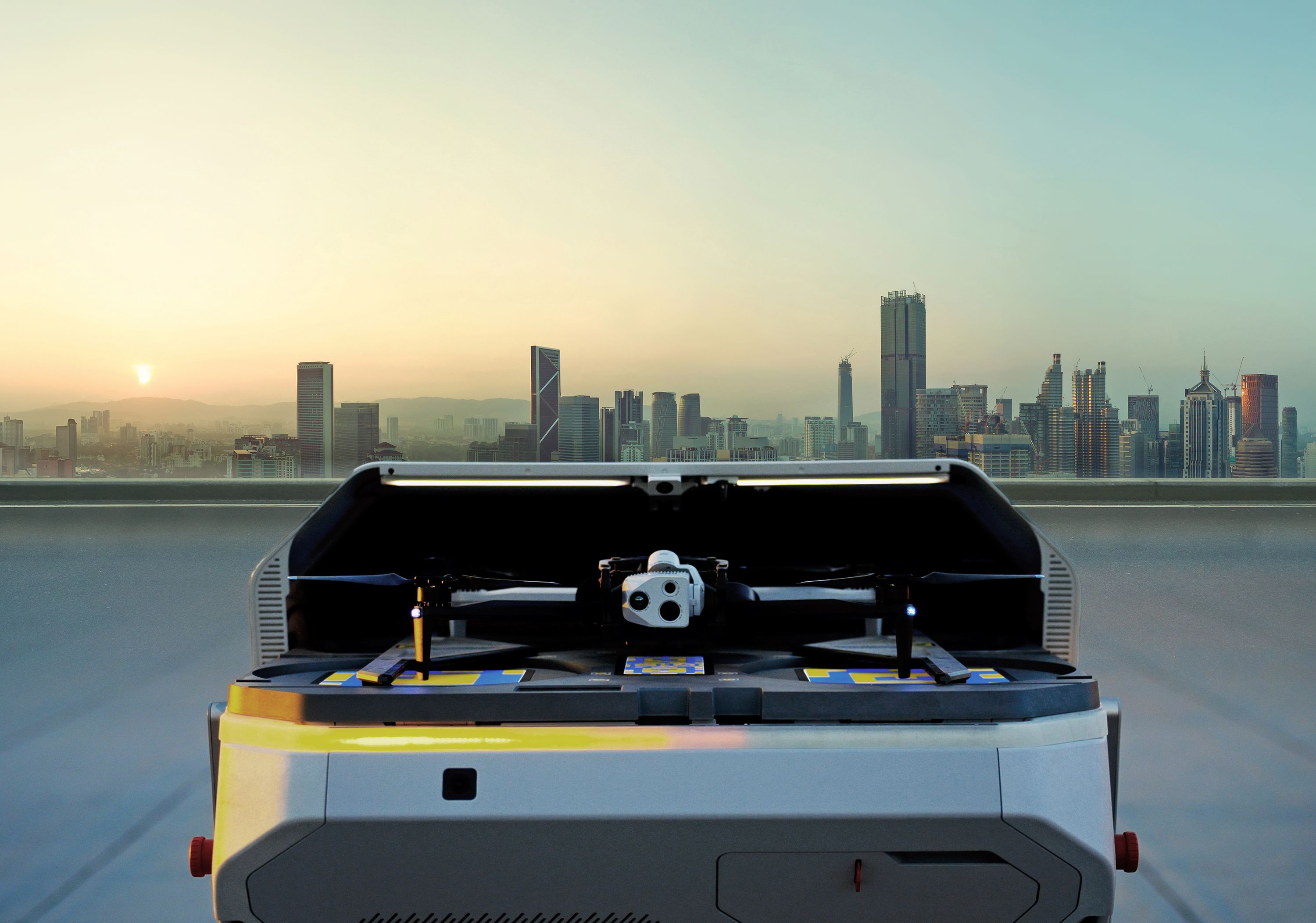
Remote Flight Deck lets operators launch and manage docked missions with Dock for X10 and F10 Lightrunner, or remotely take control of X10 and R10 flights already in the field, all from a browser. Operators stay on the live feed and can take direct control when needed, giving teams eyes on a site without sending a pilot to it.
Remote and BVLOS operations require regulatory approval depending on how and where you operate. Skydio Regulatory Services can help your organization pursue the necessary waivers and build a compliant remote operations program. Learn about Skydio Regulatory Services.
Can one operator run more than one drone?
Yes. Ops Center supports multiple aircraft across different locations from a single operating environment, expanding how much ground one operator can cover.
How do you plan a drone mission in Ops Center?
Build Waypoint and Map Capture missions in your browser before anyone arrives on site. Define flight paths, capture requirements, geofences, and airspace boundaries, then sync the plan to Controller 2 for field execution or run supported missions remotely from a dock. The same plan helps standardize capture across pilots, sites, and cycles.
Does Ops Center include fleet management?
Yes. Centralize aircraft and Dock inventory, maintenance alerts, software updates, attachments, operational status, and consumables. Add users, assign roles, and adjust permissions as your program grows.
Can drone flights be triggered automatically by an alarm or sensor?
Yes. Connect alarms, access control, and third-party sensors so an event can trigger a mission. The drone provides situational awareness before you send anyone to investigate.
Can you share a live drone feed with people outside the flight crew?
Yes. Skydio ReadyLink gives teammates, operations centers, and leadership a secure live view of an active mission through a browser, without access to flight controls.
Where does the data go after a flight?
Media Sync moves captured imagery and video to the cloud after the flight ends. Flight data, mission results, and activity are stored securely as an operational record. Integrations, APIs, and exports move mission data into the systems where teams review, analyze, and act. Explore the Skydio Extend Catalog.