Introducing Asset Command: Run Inspections From the Asset Out
Synopsis
Asset Command puts the asset at the center of the drone inspection program: define what each asset needs, how often it should be inspected, and to what standard.
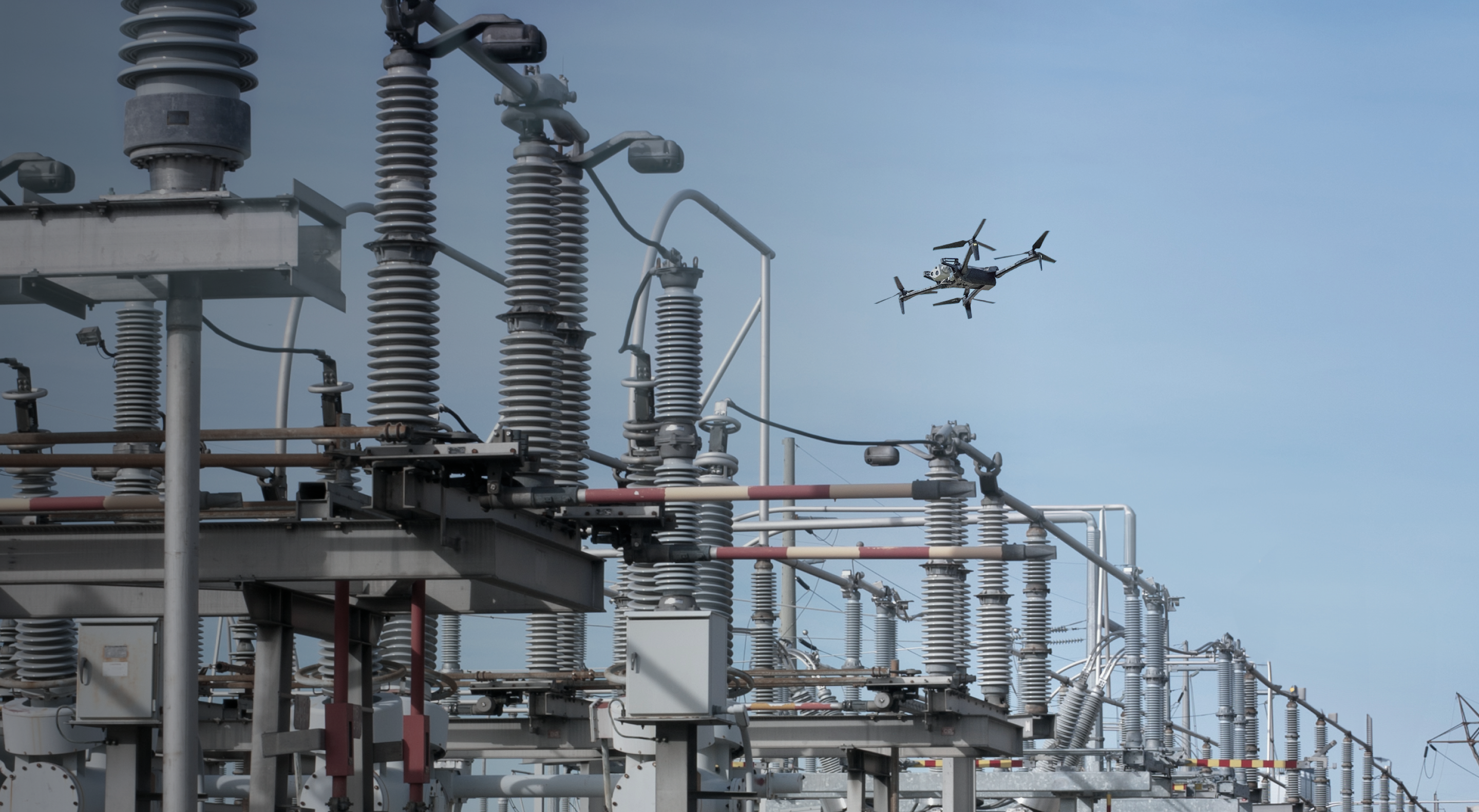
In this webinar, see how utilities use Asset Command to run consistent inspections, manage routine and unplanned missions from the same system, and scale autonomous operations across their asset base.
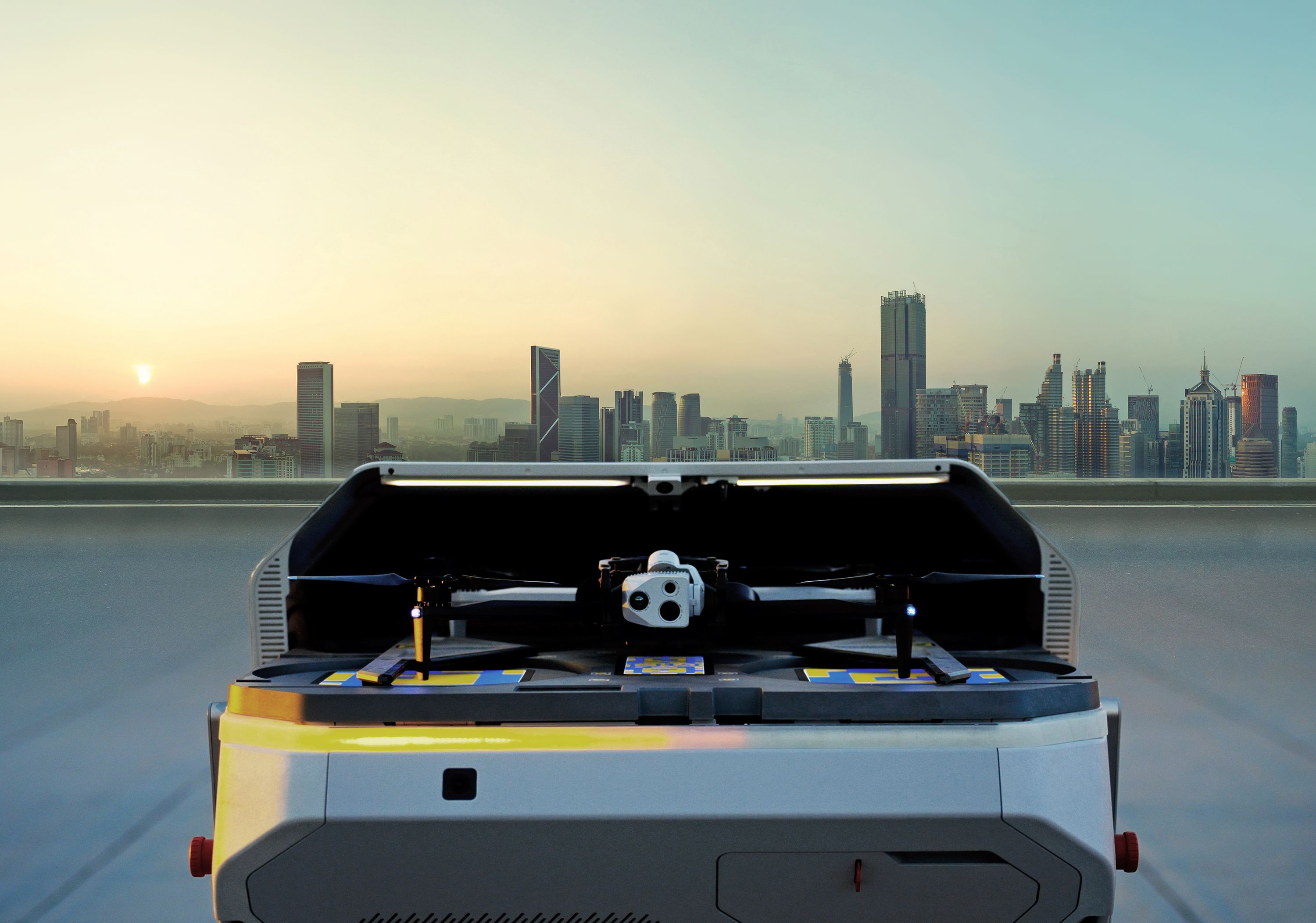
The live demo shows a Skydio X10 launching from a Dock to run a planned inspection while the remote operator responds to a simulated outage with another drone, without interrupting the original mission.
What this looks like in practice:
- See the state of your inspection program at a glance: Know what’s been inspected, what’s due, and where gaps remain.
- Run consistent inspections across sites and crews: Standardize flight paths, camera angles, and mission parameters around each asset type.
- Scale autonomous inspections more easily: Automatically refine asset geolocation with every flight to improve repeatability over time.
- Move from alert to response without changing workflows: Dispatch a drone to investigate while scheduled inspection work continues.
Watch Time
40 Mins 49 Secs