Introducing Asset Command: Run Inspections From the Asset Out
Asset Command puts the asset at the center of the drone inspection program: define what each asset needs, how often it should be inspected, and to what standard.
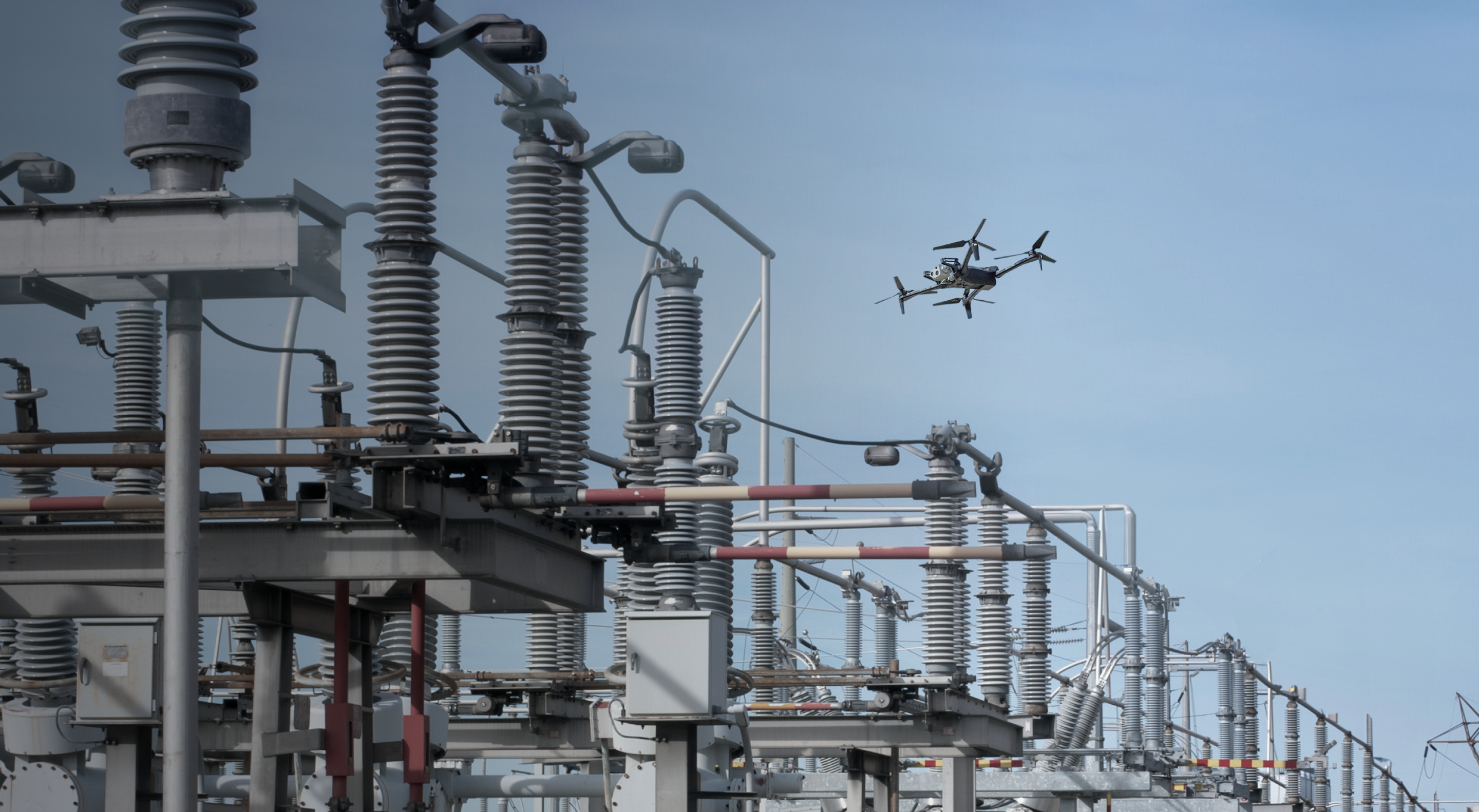
In this webinar, see how utilities use Asset Command to run consistent inspections, manage routine and unplanned missions from the same system, and scale autonomous operations across their asset base.
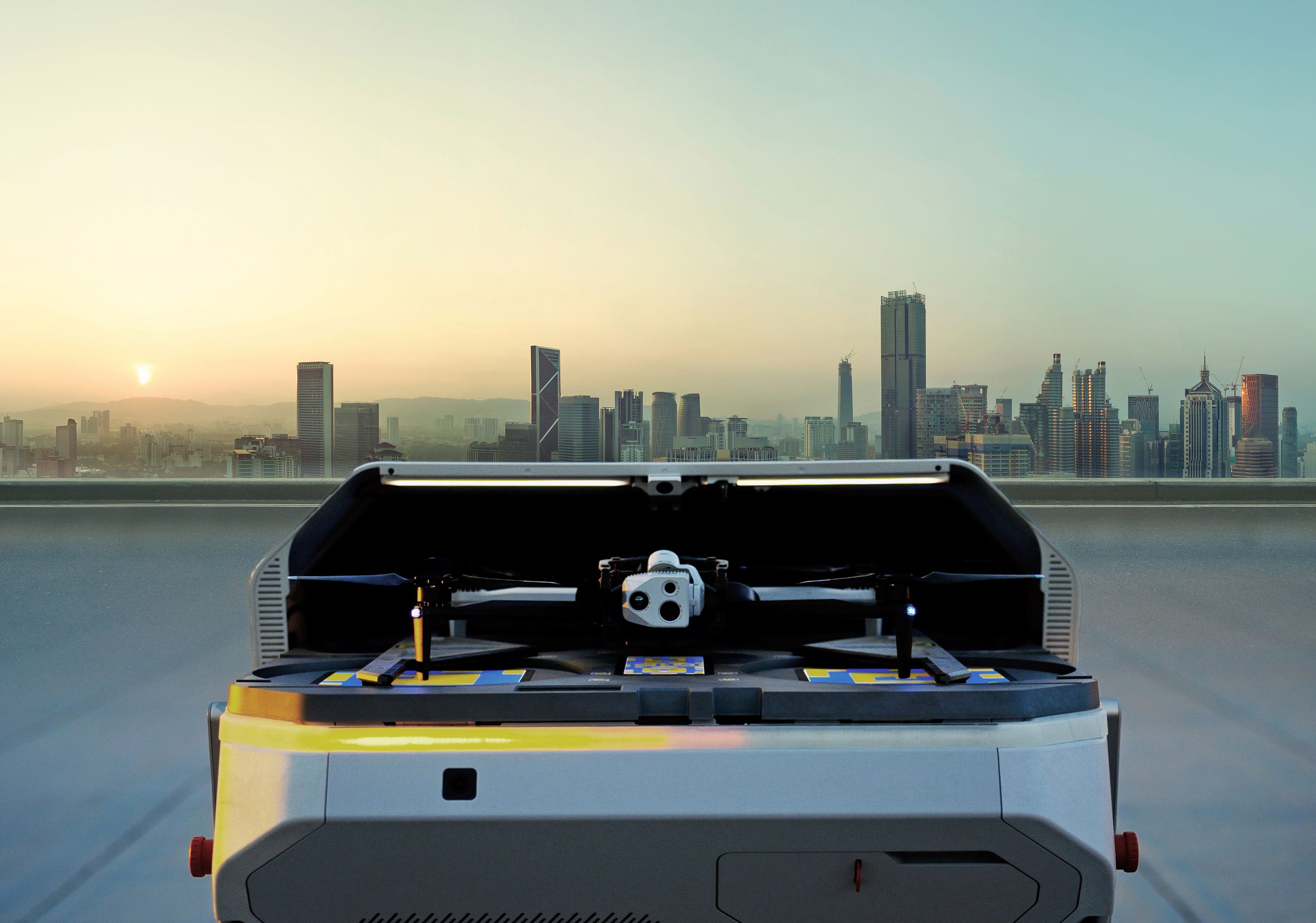
The live demo shows a Skydio X10 launching from a Dock to run a planned inspection while the remote operator responds to a simulated outage with another drone, without interrupting the original mission.
What this looks like in practice:
- See the state of your inspection program at a glance: Know what’s been inspected, what’s due, and where gaps remain.
- Run consistent inspections across sites and crews: Standardize flight paths, camera angles, and mission parameters around each asset type.
- Scale autonomous inspections more easily: Automatically refine asset geolocation with every flight to improve repeatability over time.
- Move from alert to response without changing workflows: Dispatch a drone to investigate while scheduled inspection work continues.
- I'm Cooper Lynn, I lead the product team for inspection and mapping and I'm
- responsible
- for asset command, the inspection response product that we are going to be
- talking to
- you all about today.
- I'm going to do the quarry.
- Oh, hey, I'm Corey H. Pack.
- I'm a utility solution specialist that come from 25-year background in the
- utility industry,
- work for Southern Company.
- We're a built a pretty large strip program and now we've been working hard on a
- sit
- asset command and excited to show you.
- All right, I'll further ado, let's get into it.
- All right, so let's talk about asset command, which is the product that we are
- delivering
- to our critical infrastructure customers and at the launch targeting utilities,
- even more
- specifically utility distribution, though we are committed to ensuring that
- this product
- best serves our asset owners of all varieties across critical infrastructure.
- So getting into a little bit of the why we decided to invest in building this
- product,
- surely with working with our critical efficient customers across domains, but
- focusing in
- on utilities, the challenges and the magnitude of those challenges that face
- utilities as
- it relates to managing and maintaining these vast networks and territories of
- assets are
- incredible.
- The demands for energy on the grid are growing at blinding pace.
- Generally the infrastructure of this grid is aging over time, making them more
- prone
- to reliability issues.
- The amount of resources that you all have to bring to bear to solve these
- problems and
- maintain this infrastructure is either fixed or sometimes shrinking and it is
- ultimately
- even hard to find some of the expert personnel to bring to bear to face to meet
- these challenges.
- And on top of all of that are the instances of things like natural disasters
- coming in
- and causing sweeping issues across the grid and our infrastructure network are
- growing
- over time.
- And really just there are a lot of reasons why our utilities customers need to
- be able
- to understand the conditions of their grid at scale in a relatively friction
- less way so
- that they can make informed asset management decisions.
- Now we've had some customers over the last couple of years that have started to
- build
- out a remote solution to their aviation program to meet the scale and
- complexity of these
- challenges.
- We have some customers starting to place docks in power substations.
- We know across the board utilities have invested in any means of aviation
- solution whether
- that is man fixed wing aircrafts, helicopters or even fleets of manually pil
- oted drones.
- What we really see autonomous drones piloted remotely from docks out there
- performing intelligent
- missions that meet your needs across your service territory is the way that you
- are
- going to face these challenges and meet them handily as today and as we move
- into the future.
- And so for that purpose we have the let's asset command which worst frustrates
- your fleet
- of skydio flying robots to put your physical infrastructure at your fingertips
- and what
- that really means is that assets are the center of your aviation program with
- asset and now
- what does that really mean at its core what asset command allows you to do is
- to bring
- in your entire service territory of assets and whole database into asset
- command and
- this was designed to support the scale of millions of assets because we know
- that is
- what you are all out there responsible for you can bring those all into asset
- commands
- such that your drones and docks know where those assets are allowing you to
- perform these
- asset aware actions against those sets whether those that be proactive
- inspection or incident
- response or even right of way patrol and then crucially the result of all of
- these
- actions that you can perform is that every piece of media that you collect is
- organized
- to every individual asset record something that we have heard loud and clear
- from you
- all is the volume of data that you collect across your and spoke to your
- inspection program
- is by wiring millions of images for each asset and the burden of manually
- organizing
- and associating every all the inspection that you collect to each asset record
- so that you
- can easily populate that data into your work orders or your analysis tools to
- really close
- the loop on these issues when they present or just your regularly required
- inspection
- needs is an untenable burden and so with asset command all of this work you do
- is organize
- per asset automatically so you can easily understand the history of every asset
- and
- easily and automatically send all of that media where it needs to go whether
- that's
- your system of record or your inspection tool of choice so let's walk through
- this the
- whole process and the major capabilities of asset command starts by bringing
- your assets
- into the system again we can support the ingestion of millions of these assets
- into
- your system so you can see them on the map and you've got a list of those
- assets that
- you can search and index by the attributes that matter to you we can then go a
- layer
- deeper and bring in any custom map layers that will provide you that additional
- layer
- of contact to really help when you are planning and executing your work in this
- case you can
- see but not only have you brought those asset locations in we also have a
- circuit map layer
- showing how where the lines are and the edges of the circuit said really how
- the assets
- connect to each other and ultimately this is what that looks like once
- everything is
- brought in you can see when we've selected one of these assets on the details
- panel on
- the left you can see all the important information that we are retaining for
- this asset of course
- basic information like the name and ID the physical dimensions things
- construction what
- importantly what circuits does this asset belong to are there any devices on
- this asset
- all of the information that you guys use when you are planning your work if you
- plan your
- work by circuit asset command allows you to do that you punch in the circuit ID
- asset
- command will select for you every asset in that circuit then you can go off and
- build
- your inspection plan against that you can also see and then bottom left we are
- recording
- all of the media that collected for that asset so you've got that history of
- everything that
- you've done over time for that individual asset all nice and organized for you
- for easy output
- and importantly you can see in the top left we are retaining things like
- inspection status
- so as you are out there running either autonomous inspections from the dock or
- manual inspections
- from your controller we will track the progress that you've made against your
- inspection campaign
- so you can see we've clicked on this asset and chose us that we've inspected
- this within
- the last day all of those assets on the map with that green badge are telling
- us within
- some timeframe that we care about whether that's the last month the year or the
- entire inspection
- cycle we can see the progress of all the inspections that we've done now there
- 's one other item
- you'll see in the top left which is last corrected which is very important
- because once you've
- brought your assets into the system something that you guys have made clear to
- us and what
- we've seen in our experience as well is that generally the location data for
- all these assets
- is quite inaccurate and prone to error and almost universally the asset
- locations in your GIS data
- can be 5, 10, 20, 30 meters away from where they are in reality you have assets
- that are in your
- database that are no longer out there in the world and vice versa new assets
- that have
- been built that aren't represented in your record which represents all sorts of
- challenges
- not the least of which is exemplified by this image that we see here if you
- look at that
- top line of assets right there in the center the yellow dots are the ground
- truth of where
- these assets actually are in the world and even just anecdotally you can see
- that those
- yellow dots line up exactly with the shadows of those polls from the satellite
- data those
- black icons are where the assets were located in the GIS database now if you
- look right
- there in the middle on that top line that yellow dot is smack dab in between
- two asset records
- from the GIS database this means if you were to send an inspector out there
- into the field
- to go perform some work on that asset they're going to get there and not really
- have any
- way of knowing if they were supposed to inspect the asset on the left or the
- asset on the
- right and then you'll need to do some deconfliction back with your DCC or
- whoever sported in the
- inspection that takes time and really bogged down efforts and if this is
- happening for
- even a small subset of your assets and inspections when you scale that up to
- the millions of assets
- that you are responsible for that burden just become untenable and for this and
- many other
- reasons we have devised a solution to that which is asset geo correction with
- asset geo correction
- what we can do is as we fly over distribution polls in a geo correction flight
- we can detect
- and triangulate their position and build a 3D rendering of those assets that
- will then use to
- extract highly precise location information for those assets and other
- properties like the height
- and we can even extrapolate things like the orientation of those assets once we
- 've done that we can
- then basically correct all of the GIS recorded locations with the ground truth
- that we saw in
- reality so we basically fly fast over your assets any distribution poll that we
- see gets detected
- and triangulated we then pull out these precise locations and then we can
- update your record with
- all the locations that we saw across every one of these geo correction flights
- which means that
- within asset command the same assets are saying drungs and doc you have out
- there in the world
- you can be curating the highest accuracy asset location database that you can
- reasonably achieve
- at a fraction of the price of the status quo solutions which we nominally see
- as commissioning
- fixed wing lidar scans over assets and going through all of the work that it
- takes to extract
- location information from those results now that you have highly precise asset
- location data for
- all of the assets within your service territory at least in the range of your
- docs let's talk
- about some of the work that you can execute against those assets starting with
- incident response now
- skydio has built its business on being able to autonomously deploy drones to
- incident locations
- as fast as possible we're talking a few minutes to go from DAW to being on
- scene if any of you
- all are familiar this is basically the backbone of our drones as a first
- responder product for a
- public safety customers however instead of responding to outages or responding
- to 911 calls
- now a lot of really important work went in on the hardware side software and
- through the autonomy
- stack to make that possible but there was really one additional thing
- comparison smaller unlock
- that really made this product valuable and scaled at where it is today where
- public safety or public
- department across the country are using DFR and relying on it every single day
- and that was simply
- integrating with the systems that are providing the locations of the 911 calls
- right now we can
- read in those locations and then you can decide to send a drone to that
- incident now we are bringing
- that capability to the utilities industry and what that means in our case is we
- can now integrate
- with your outage management system or your monitoring system of choice and that
- means that any time
- a set of assets gets de-energized we can read which assets got de-energized
- what locations they
- were in and convert that into a ready to control anytime your own mess system
- to text a set of
- de-energized assets you can see a in this instance an incident gets spun up and
- brought into asset
- command and at the click of a button you can then deploy a drone from your dock
- and get it on scene
- within a few minutes and be often patrolling those assets in this example you
- can see that all of
- the assets that were found to be de-energized were marked in red a patrol
- mission gets automatically
- created and then in this case you can see the drone will route itself to the
- first asset in that
- incident in this case typically the protective device at the top of that line
- and then it will
- send you on an autonomous patrol down on the line so you can look at any asset
- if you ever find
- a defect you can use ready link to send that live feed live stream the feed of
- the drone to any
- decision maker is necessary so you have the context that you need to make the
- right decision first
- every single time now that is the crux of incident response let's talk about
- remote inspection
- particularly autonomous inspection which is the backbone of what will be done
- from the dock now
- the capability that we are bringing to asset command for this purpose is called
- asset-based
- inspection really what this means is that you can define the exact capture
- strategy or shot
- sheet that you find necessary to complete a detailed inspection of that set and
- this is what
- it looks like you can see in this case we have these shot sheets these four
- shots one on each
- corner of the asset and one looking right down top of it and that gets applied
- to any asset that
- you choose and from there you can simply send the drone off to autonomously run
- that inspection
- really the way that works is you define the shot sheet inquiry will show you
- all of this live
- choose all the poses that you care about to complete that inspection and then
- asset command will turn
- that into a ready to fly mission across any asset that you choose now this can
- be done individually
- for a single mission but with asset command we know that we need to handle the
- scale of you are
- programs and your service territories and we don't believe that manually
- building missions is a
- solution that scales to millions of assets so with asset command we can
- automate the generation
- of these institutions so what this looks like is within asset command you can
- select a large
- scope of assets for example in this case we just typed in a circuit id and
- asset command selected
- every asset in that circuit we can then asset command will show you all of the
- docks that are
- available to inspect the selected assets you can choose one or multiple or all
- of them
- and then from there asset command will automatically break down this whole
- scope of assets in this
- case i think 420 assets into individual ready to fly missions all that comply
- with your flight
- policies and geofences so you can assure that you are flying efficiently and
- safely so here you can
- see that's taken into effect we selected this circuit asset command broke that
- down into seven
- individual missions which i can see the flight paths of here and those can be
- distributed across
- any and all docks we have available to do that work and so that is the crux of
- it we are providing
- the opportunity to automate the planning and execution of your inspection
- across the entire
- footprint of the docks that you have within your service territory now
- importantly precision
- is of utmost as of of those importance when you are executing inspections this
- is another thing
- that we've seen from our experience working with you all is you want precise
- repeatable shots when
- you are trying to make out potential cracks on an insulator or understanding
- how far into its slot
- a cotter key is you need really precise framing and resolution of these images
- and so for that
- we offer we call RTK or real-time kinematics this is an attachment you can
- apply right on the
- vehicle which will correct the GPS location of that drone in real-time and what
- that means is when
- you're using GPS to navigate in the status quo you're subject to GPS drift
- which means you're
- going to get to that location within three to five meters which is not
- sufficient for precise
- inspection with RTK we can correct that position down to one to three
- centimeters meaning you can
- get to those poses those waypoints in your shot sheet and an order of magnitude
- higher accuracy and
- you can see the difference here at the top we use standard GPS and you're
- really just getting a
- large gamut of range in terms of where we're taking our shots and at the bottom
- we're using RTK and
- we are getting far higher precision our framing which means that every time you
- run the inspection
- you're going to get the same shot every time which makes for the perfect data
- set to then
- bring into an AI defect detection tool to really automate the closing of that
- loop really briefly
- with asset command we have the ability to manage all of these RTK licenses and
- credentialing for you
- for those who are familiar sourcing corrections for RTK is a nightmare it is
- costly applying those
- licenses and credentials to each individual drone is not a very scalable
- solution when you are
- bringing a fleet of hundreds of vehicles with asset command we handle all of
- that for you it's
- completely automated all you have to do is put the RTK unit on the vehicle and
- skydia will automatically
- spin up a license for RTK and apply it to that vehicle so you are ready to fly
- with high precision
- every single time and as we mentioned importantly the result of all this work
- whether you are performing
- incident response or planning and executing detailed inspection is that all of
- the media that you
- collect will be tagged to every individual asset we will write the asset ID
- into the metadata of
- each image which means that it is very automatically and easily portable into
- your system of record
- or your analysis tool of choice in the way that those tools are already
- expecting to have that
- media right all organized by asset it can be populated right into your work
- order without
- having to do that tedious association yourself and really just makes the entire
- opening and
- closing of the inspection work order far more automated and more. Now the last
- thing I want to
- get into before we show off how asset command works in a live demo I want to
- speak to our customers
- that are today inspecting assets manually from their controller drone flown
- drones in the field
- we know that the majority of you are running the majority of your inspections
- in this manner and
- we want asset command to support you and those workflows as well so we have
- developed a solution
- to bring a lot of the primary capabilities of asset command to the controller
- with a capability
- we call controller asset based inspection what that means at its core is within
- the same cloud
- system where you are performing or are managing your dock operations you can
- select a set of assets
- and now instead of sending them to a dock to be inspected remotely you can
- assign that scope of
- assets to a individual pilot you can assign scope of any size you break it out
- by circuit or feeder
- or what have you and once you have assigned that scope of assets to a
- controller pilot the next
- time they connect to their controller they'll be able to load up all of those
- assets on the map
- and then just like in the docked regime you will have all of that context at
- your fingertips
- meaning as you're flying you'll be able to see all of your assets on the map as
- you get near one
- you can select the asset and once you've selected it any image you take will be
- associated to that
- asset just like with the docked workflows which means you get the benefit of
- all of that organization
- on the downstream whether you're inspecting from the controller or from the
- dock you can see in
- this case we're keeping a count of all the photos you've taken of each asset
- and we will measure the
- progress against each asset while you're flying once you've inspected an asset
- and moved on to the
- next one that asset will be checked off so you know exactly what work you've
- done and you never
- accidentally do anything redundant or double back without meaning to and again
- the result is the
- same all this media gets organized by asset so that capability is shared across
- all of your dock
- operations and your controller operations now that was a lot of information i
- think it is going to be
- far more cogent when it is shown live and skydiel loves to do demos live so i
- will hand it over
- to kori to show you some of these workflows within asset command flying on some
- docked drones out in
- this field right now awesome thanks kipper yes we've had a bunch of weather the
- clear view power area
- in pound that are afforded today we've got a couple docs out there we've had
- some operations on circuit
- so what we want to do i've got one pre-planned mission that i were i have an
- idea of a fault location
- we're going to launch that one but before we do that we're going to plan
- another mission on a
- section of the circuit that's been getting a lot of operations today with our
- weather the way we do
- that is we back up this view that you see here is the view from asset command
- this is a kind of a
- once over the world of what's going on in your area the blue features or the
- orange polygons you
- see here on the map or keep out zones in the green or keep in but the keep out
- zones have a maximum
- altitude of a hundred feet which keeps the drone above 100 feet when flying
- over populated areas
- so that the parachute can operate and so we're able to operate in this manner
- due to our parachute
- and our wave to the right here we can see we've got no wind we've got light
- precipitation ceilings
- at 10 000 feet that's about 80 degrees there so i'm going to go ahead and plan
- this mission we can
- get the flight done i believe and we're going to do that so we're going to tap
- our missions
- button we're going to go to create a new mission and we're going to create a
- wave plan mission
- as this is loading but you'll see it drop into kind of the center of our
- territory
- but as soon as i select the site that we're operating at which is clear view
- power palmetto
- we'll drop right into this to our area something to know is you can view the
- area in 3d and see
- those keep out zones like i described with the the floor being ground level and
- the ceiling being
- 100 feet agl allows us to fly over it in a straight line i'm going to go ahead
- and select a vehicle
- here where he's number two there i'm going to finish those details and then i
- 've got my first
- waypoint here we're going to set i don't want any camera action we want to fly
- 200 feet that's
- to minimize the impact of the drone flight over our customers and then we don't
- need any
- action at this waypoint
- and i'm going to increase our speed because we want to get there fast and then
- i want to make
- sure i'm viewing along the path so once i do that i can click add asset
- inspections
- and what this does is load all of our assets into a list here you can search
- that as you can search
- for the asset and filter it based off circuit identifier and last inspected or
- any other fields
- in the attributes of the asset that matter to you and so what we're going to do
- here we can see these
- the green dot on the asset and the view here are showing that these have been
- recently inspected
- and then we have a section here that hasn't been inspected so i'm going to go
- ahead and start
- selecting those back section after i've set the the plan my inspection plan so
- what i've done is
- create a custom shot sheet here and that custom shot sheet can be on number of
- points i'm going
- to do for a first orbit or it's going to look knater at 90 and make sure we can
- see what's going on
- and then i'm going to add another orbit and i'm going to add one more point and
- i want to view that
- at 90 degrees you want excels to about and use the line go ahead yeah just what
- what quarry is
- building this you can keep going on so quarry is showing you what it looks like
- to build these
- inspection missions from the ground up defining the shot sheet in real time and
- showing all the
- tools you have to have precise control over the path that the drone will take
- and what camera
- actions it will perform at each of those waypoints though this can all be
- automated if you would
- prefer to build it that way like you mentioned we want asset command to allow
- you to build and
- plan these inspections that scale efficiently and all of the actions that
- quarry is taking
- here and setting manually are things that you can define as defaults for the
- system
- such that you can get to the point where all you have to do is select the set
- of assets
- you will already know which shot sheet to apply to each asset and all of the
- flight parameters and camera settings you want to use each time so instead of
- having to define
- these at the beginning of every inspection all you do is okay select a set of
- assets
- and hit go okay so i'm going to last for these that we want to use they are
- selected we can
- see a few of them have been done a couple weeks ago but we can also see that we
- 've got our shot
- sheet laid out exactly the way i wanted that'll get us what we need here while
- we're going to go
- quickly patrol this so i'm going to add that i'm going to save finish this
- mission my return speed
- is good my return height is matches and i'm going to finish setting my return
- behavior
- i'm going to save that mission plan okay so with that i'm going to go ahead and
- we're under
- this mission i'm going to select the aircraft bring these two from that mission
- and then as
- as this is loading we're also going to drop into what's called multi-drone so
- to the right you see
- the the flight deck loading something that i like to allow customers to do is
- to grab a hold of this
- QR code with your smart device to find or you can copy this video link and send
- it to whatever
- you'd like and be able to see the mission in a high res on-demand camera view
- so what we're
- going to do is you know launch this mission we're going to drop back into drop
- back into the flight
- plan we can view our flight plan in 3d and we can see how we're going to get
- over there and do that
- you can see the weather we've had in the area we're good to fly here today our
- winds are good and
- the aircraft is water resistant here as we get underway i'm going to go ahead
- and select another
- mission that i've already had direction that i've already flown and pick this
- one
- like it shows me the dock that's available to go there and we chose our one
- dock in flight
- and so now that both of our missions are on this road moving towards that other
- center
- yeah and so Corey's really showing one of this engine it's four points of value
- here sorry Corey
- to jump in of asset and and generally the value of docked operations is because
- you are automating so much of the difficult work that would otherwise be done
- entirely by the pilot
- you take so much of the burden off the pilot that you can afford to have one
- pilot the operating
- multiple drones at a time now we have customers that are flying in a one-to-
- four environment
- meaning one pilot is piloting four drones simultaneously we have customers
- doing one to eight even some
- that are doing one to 30 and we are now getting into the world where some
- customers and ourselves
- are starting to gain access to unsupervised waivers with the FAA meaning that
- you can fly
- these missions entirely autonomously without a piloting and so how you want to
- configure your
- program is at your discretion but because so much of this work is done autonom
- ously you have the
- opportunities to do that with asset command and with the remote operations with
- skydios product
- okay something important to note is i'm in charlotte north carolina right now i
- 'm getting ready to
- do some work for skydio and i'm flying on hotel wi-fi right now our multi-drive
- is taking off
- and we're doing it now just took a minute for it to load but as we're getting
- out here you can see
- that we are grabbing the shots that we wanted we are moving on the second drone
- to the inspection
- location something i think is pretty cool is and flying two drones at once and
- i'm able to select
- which drone i want to control using the and see that with the white outline
- around the flight deck
- so you can see what we're dropping in back and forth so with the operations we
- 're having today
- that we've been having due to the weather i think we're probably going to have
- a trouble
- call coming in maybe probably right now so what we're going to do is drop back
- in and we're going
- to check our alerts out we're going to see that we just got a mission that's
- showing aligned views
- out with 30 sanding people every seven customers on that line and i am going to
- share that mission on the map and you can see here there's a little bit you can
- see on the map
- we've got the affected assets that are behind those line views and i can see
- that's a good
- mission so i'm going to go ahead just match the aircraft to that location oh i
- was just going to
- see it and one thing you can see is all those assets are inside of geofence
- that we've defined
- which is not a problem for the drone it will of course respect all of your geof
- ence as it will
- not go inside those volumes in this case we can just patrol right over top of
- the geofence so
- we're operating at a safe height we're operating really out of sight and then
- out of your shot of
- all the customers so we're not really bothering anybody and still with the
- power of the cameras
- we can get really nice crisp image imagery of everything that we're going to
- patrol over
- and if at any point you want to take over the autonomous patrol to manually
- control the
- camera zoom in at an extra angle you can always do that at any time to ensure
- you're seeing exactly
- what you need to see so you're going to patrol this whole set of affected
- assets if you do happen
- to spot some kind of damage you can always pause take over control and get a
- closer look
- okay so we're almost on location here the aircraft decided that the shortest
- route to get to the
- first affected asset was the flight of the dead end first so we're going to get
- to the dead end
- you're going to see the drone look straight down it's going to identify that
- dead end pole and then
- start looking down the line troll it one thing that is pretty cool is they'll
- take control and
- then look around at the various zoom levels or for what you're seeing on your
- patrol
- i can also pause this patrol i'm going to pause the patrol and say that maybe
- some we haven't
- found something here that we want to mark for a line crew to go check out the
- only thing i have
- to do here is press the t button and it drops a marker on the mat but you can
- see over here
- on the on the left side in the nap section lore and then now that we've found
- what we were looking
- for we can continue to fly the mission or we can go ahead and return return
- home or resume our
- inspection mission and if there's any questions or you might just throw it up
- the ready link one
- more time we stop in there it gives us a chance to follow along yep there we go
- i'll leave that
- ready link up there while we're finishing our patrol and our operations in this
- case we have a
- proactive inspection and an incident be respond incident response all happening
- simultaneously
- highlighted by one individual and this scales to really any number of docs that
- you'd want to
- operate and to Corey's point this is completely distributed and remote so you
- do not need to be
- co-located with where the operations are happening Corey is running this all
- from
- a few states over and that is all table stakes for skydios remote operations
- and with asset connect
- all right we've finished our event patrol and haven't found any other things on
- the line
- so i'm going to to return all of these aircraft the dot but i want to do
- something cool but
- i think only we can do and that is since we're doing multi-dron we need to have
- the ability to
- control all of the aircraft at one time there are a couple different moves or
- maneuvers that we can
- make with every aircraft that we're patrolling with and one is descent so if we
- had an aircraft
- come in to our operations area and we needed to do it create a deconfliction
- the neighbor then
- we would do that the other is to return all the aircraft home at once and
- studio aircraft can
- any studio aircraft in any organization that's flying in the same area and that
- is online
- will autonomously deconflict based off a certain criteria one of them for
- instance is the lower
- battery power aircraft would have the right of way as they're returning to the
- dot so
- we're going to go ahead and say this is these missions are complete and then i
- 'm going to return
- all of the drones home at one time so i just click the return button and now
- all of the
- drones are going to be awesome thank you Corey and the last step really is as
- soon as the
- drones land it will automatically kick up kick off the media processing and
- upload to our cloud
- using capability called media sync and once that data lands in the cloud it can
- be automatically
- sent to whatever final destination you guys prefer whether that is your system
- of record
- a data lake or your inspection tool of choice we have integrations with many of
- those and it is
- very easy to build a new one if you are using a piece of software that we have
- not already
- integrated with so and i just i was just gonna say i just paused one of the
- aircraft on the
- return it was gonna get there before the other one could potentially conflict
- with it so i'll
- aren't sure what it looks like as or right and that's an important thing to
- call out is skydio has
- global deconfliction for all skydio drones which means scott acid command will
- know where every
- skydio drone is whether it is yours or somebody else's such that they always
- know where they are in
- space and will automatically as Corey described deconflict their paths so they
- never intersect
- they never get too close to each other so you do not have to worry about kind
- of traffic management
- in the air across skydio vehicles but i think with that we should bring it back
- to the presentation
- to just wrap things up so just to do a recap with asset command all of the
- setup involved is
- you bring your assets into the system along with any other contextual
- information like circuit
- layers you can wire up your key integrations on both the upstream side on the
- downstream side
- but whether that's your oms system to feed in outage locations too or your
- systems of record
- your inspection tools your data lakes of where we bring all the media once we
- 've collected it
- you then have the opportunity to automatically correct your asset locations
- using asset geo
- correction and then you can define all of the shot sheets that will satisfy any
- asset type you
- might have out there in the world if you do not need to build one shot sheet to
- satisfy all assets
- you can build a library of shot sheets that meet various needs across different
- asset types or
- different conditions you have a shot sheet that you use for assets in a high
- fire risk area and
- another one you use for those that are not you can define all of that in asset
- command and
- apply them to each asset you can then go plan and execute your inspection by
- simply selecting
- a set of assets and building the inspection and flying it across any docs you
- have or
- assign that your those assets to controller pilot to be flown manually you can
- respond to
- incidents autonomously when they occur and then ultimately all of the media
- that you collect
- gets organized by each asset or easy and automated processing as closing out
- the work orders now
- like ultimately the point of all of this is to take your vast records and the
- massive scope you
- have to inspect your assets and respond to incidents and basically digitize and
- automate the execution
- of your data collection making it as trivial as possible to get eyes on
- anything that you need
- across your service territory and the more efficient and the more cheap and
- easy you can make it to
- get critical eyes on those assets when you need them it allows you to make
- better more informed
- quicker decisions of what to do with your assets whether you're going to repair
- replace or just turn the power back on if you find an issue that doesn't need
- intervention to solve
- which ultimately means that you can get into this regime where you're making
- the right decision
- every single time getting information you need as quickly as possible allowing
- you to even
- potentially graduate from a time-based maintenance system to a condition-based
- maintenance system
- where you are directing your efforts based on reliability because you are no
- longer so
- constrained by the need of the data collection and with asset command we bring
- that all into one
- place skydere we have the vehicles that you can fly both from the dock remotely
- and
- autonomously or manually from the controller you have your asset information
- and context at
- your fingertips whether you are at your computer or at your controller and all
- of your inspection
- progress and media is tracked and organized in one single place and i think we
- 'll wrap this up by
- just talking about who we believe asset command is for like i mentioned
- ultimately we are committed
- to making asset command robust enough to serve asset owners of all shapes and
- sizes of cross
- critical infrastructure however today at the launch of asset command we are
- starting with a focus on
- utilities and even more specifically utilities distribution but all of that to
- say is we feel
- very strongly and have had validated by customers outside of utilities who have
- taken some of this
- technology and made it work for that program that there are capabilities that
- will work for
- infrastructure customers across the gamut now it starts with as a lot and it's
- all based around
- the kind of assets that you have if you just have static distribution
- distributed assets out there
- in the world at scale for example oil meltheads look very similar to utilities
- distributions and
- that there's just of assets out there in the world in high volume you can use
- the capabilities of
- bringing your asset inventory into the system executing inspection and response
- in a semi-automated
- way and ultimately have all the media you collect be associated to each asset
- now if you move up the
- pyramid and your assets look even more similar to distribution polls in that if
- we can treat them
- like a cylinder cylinder and inspect them as if they were a cylinder namely if
- we could take your
- asset and draw a cylindrical volume around that asset and inspect it as if it
- was that then you
- have the ability to use shock sheets to autonomously plan and execute your
- detailed inspections
- now this is something that we will be broadening out the scope of making shock
- sheets more flexible
- to serve other kinds of assets like transmission towers like storage tanks what
- have you but today
- this is what asset command can serve launch and then lastly if you are exactly
- the owner of
- electrical electrical distribution polls you have access to the full set of all
- of these capabilities
- including asset geo correction which today is specifically targeting electric
- distribution
Watch Time
40 Mins 49 Secs