


Integration Summary
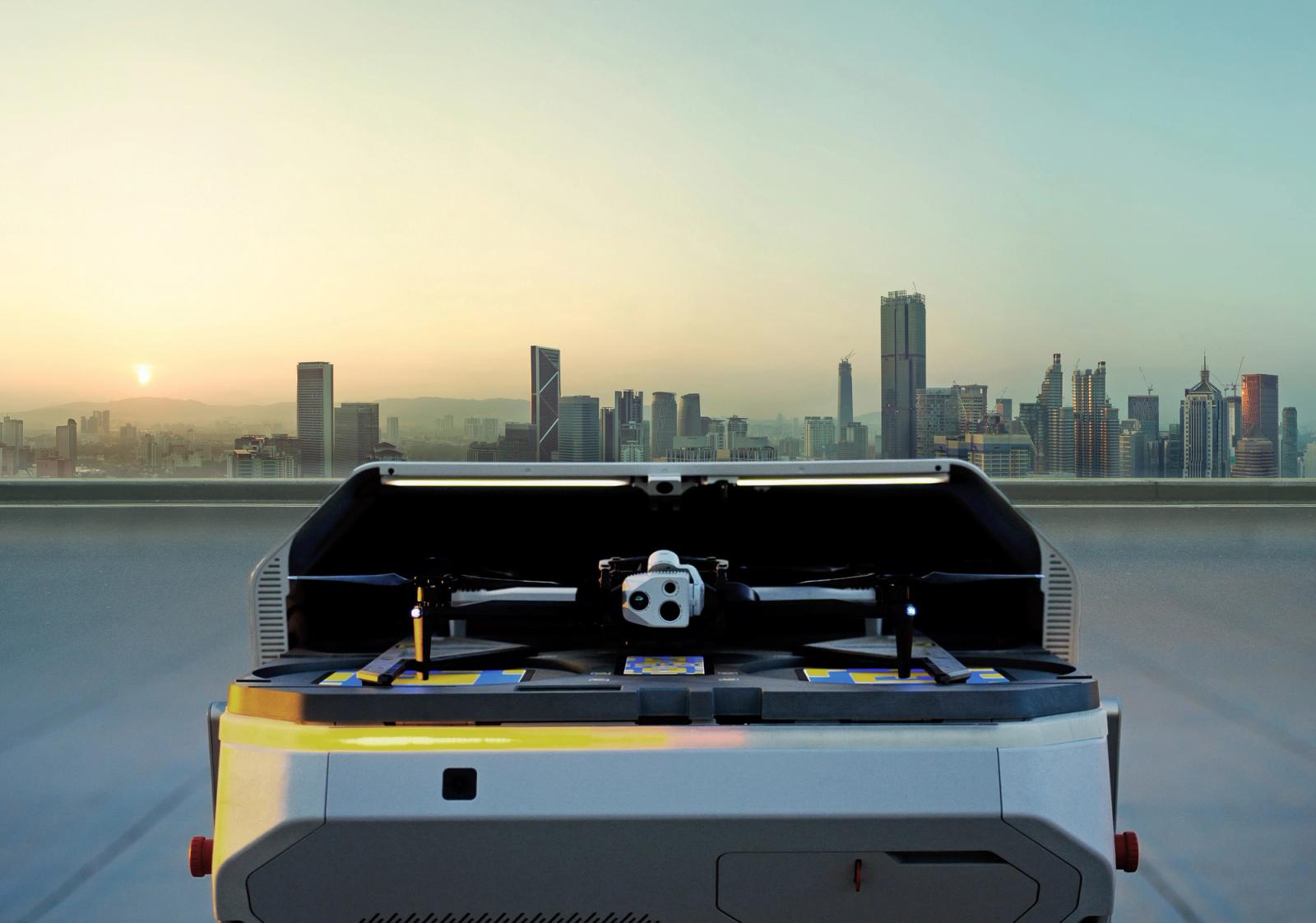
BabbarOps Live Command brings video from across an agency into one operational view. The Skydio integration adds live Skydio drone video and flight telemetry to that view, so command staff see the aircraft's feed beside every other camera they are already watching.
An agency connects its Skydio Cloud account to BabbarOps and selects which aircraft to display. Once a drone begins streaming, its color or thermal video, altitude, speed, heading, battery level and live map position appear directly in BabbarOps, giving teams one place to monitor the flight and coordinate the response.
Integration Benefits
- Connect in Minutes - Link the agency's Skydio Cloud account to BabbarOps and choose which aircraft appear in Live Command.
- Stream Live Drone Video - Skydio video appears in BabbarOps as soon as the drone starts streaming, alongside the agency's other operational video sources.
- Switch Between Color and Thermal - Operators toggle between color and thermal views without leaving BabbarOps.
- Monitor Flight Telemetry - Altitude, speed, heading and battery level display next to the live feed, so the team always knows the aircraft's status.
- See Where the Camera Is Looking - A live map shows the drone's position and camera footprint, making it clear where the aircraft is operating and what it is viewing.
- Run One Command Workflow - Drone video, telemetry and location data share one interface, helping public safety teams maintain situational awareness and coordinate their response.