Security Command capabilities
| Program management | |
|---|---|
| Fleet Manager | Manage drones and docks from one central hub. |
| User, role and access management | Add users, assign roles, and control what each person can do across the program. |
| Data storage | Store flight media, video and imagery, securely in the cloud. |
| Media sync | Automatically move captured media into the cloud. |
Integration catalog / APIs | Connect Skydio data and workflows to existing enterprise systems. |
| Paraverse | Build operator confidence by practicing missions in a safe virtual environment. |
| Geofences and Airspace Management | Define operating boundaries and airspace restrictions to keep flights within approved areas. |
| Remote operations | |
|---|---|
| Remote flight operations | Fly and supervise missions remotely from a browser. |
| Multi-site operations | Run patrols and respond to alarms across multiple sites from one view. |
| Pathfinder | Automatically fly the safest and most efficient route, avoiding terrain, buildings, and geofences to get on scene fast. |
| NightSense | Avoid obstacles autonomously in darkness and low light for 24/7 operations. |
| Connect Fusion | Switch automatically between point-to-point radio and 5G so a patrol does not depend on a single link. |
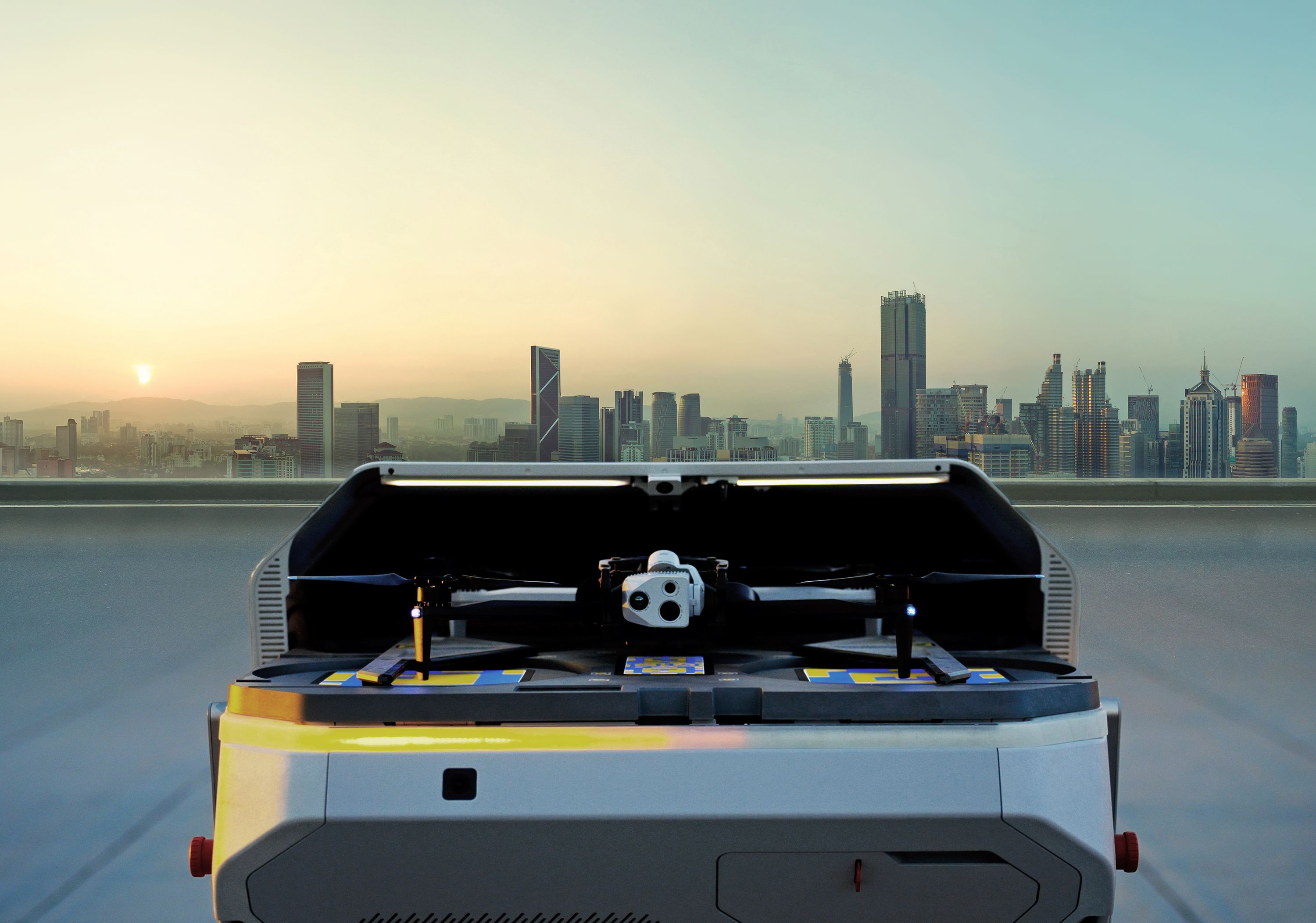
| Visual Return-to-Home | Return the aircraft to its dock on its own if the control link drops, using onboard vision. |
| ReadyLink | Share a live stream of a flight as a link or QR code that opens in any browser, with no account or login. |
| Markers | Mark the places that need attention, and receive alarm, sensor, and counter-UAS events as markers an operator can respond to directly. |
| Multi-drone | Let one operator supervise multiple drones at once. |
| Patrol operations | |
|---|---|
| Patrol planning | Add drones, missions, and a schedule, and Security Command matches the best available drone to each patrol. |
| Patrol scheduling | Set the date, start and end time, repeatability, and cadence which the mission list runs: continuously, on an interval, or once per schedule. |
| Randomized patrol timing | Vary patrol timing and route order inside the approved schedule so coverage stays consistent without becoming predictable. |
| Autonomous patrol | Launch and complete scheduled patrols with no one on site. |
| Patrol monitoring | See the status of every patrol, with clear calls to action for the ones that need operator attention. |
| In-flight weather monitoring | Return the aircraft to its dock when conditions deteriorate mid-mission. |
| ADS-B awareness | Surface crewed aircraft near the site and apply the deconfliction behavior you configure. |
| Remote flight authorization | Have a remote operator authorize each launch when procedure or flight authority requires it. |
| Remote deterrence | Warn off an intruder with spotlight and speaker before anyone is dispatched. |
| Waypoint missions | Build and run repeatable flight paths for consistent coverage. |
| Site mapping | Plan and run area scans to keep site maps current for patrol and detection zone planning. |
| Detection and alerting | |
|---|---|
| Detection zones | Define the ground areas of a site where detection applies, so patrols surface activity where it matters. |
| Exclusion zones | Suppress detection in areas with routine activity, so operators are not alerted to normal site movement. |
| Time-based detection zones | Set when each zone is active by day and time, so detection follows the operating hours of the site. |
| Autonomous detection | Alert operators when a person, vehicle, potential perimeter breach, climbing aid, unattended item, or other anomaly is detected inside a detection zone during a patrol. |
| Detection alerts with video | Attach video of the scene to every detection so operators can assess without opening a feed. |
| Detection triage | Automatic detection pauses the mission and raises a marker and an alert, so an operator can maintain visual or dismiss it and let the drone continue the patrol automatically. |
| Pilot observations | Capture anything the system did not detect automatically as a shareable observation with video, a title, a description, and a location. |
| Response | |
|---|---|
| One-click alarm response | Respond to alarms from existing intrusion detection systems with the location already set, and preview the image or video that triggered the alarm before responding. |
| Counter-UAS response | Respond to counter-UAS detections at the unauthorized pilot location, the launch location, or the current drone location, and review the path it flew. |
| Skydio Shadow | Follow moving people and vehicles automatically, so the operator watches the situation without flying the aircraft. |
| Escalation routing | Send a live feed to the distribution list defined for that event, site, and procedure, including law enforcement. |
| Integrations | |
|---|---|
| Alarm and sensor integration | Turn alarm, access control, and perimeter sensor events into drone response targets. |
| Counter-UAS integration | Bring unauthorized drone, launch point, and pilot locations from counter-UAS platforms onto the map. |
| Live video to your VMS | Stream drone video into the VMS and command center screens operators already watch. |
| Custom notifications and webhooks | Send detections, flight events, and operational updates by email and webhook to the systems your procedures require. |
| Records and evidence | |
|---|---|
| Security operation reports | Review what happened, where, and the data generated during the operation, for both patrols and incident responses, and submit the report with additional context from the operator. |
| Detection history | Search, filter, and export every detection with its video, its location, the zone it came from, and the action the operator took. |
| Audit logs | Record every view, export, and configuration change against a named user. |
| Evidence access control | Set who can view, export, and act on footage and flight records, by role. |